Posted on: 21/04/2025
in
This content is located in CAPS under Internet Technologies: Communication for Grade 10.
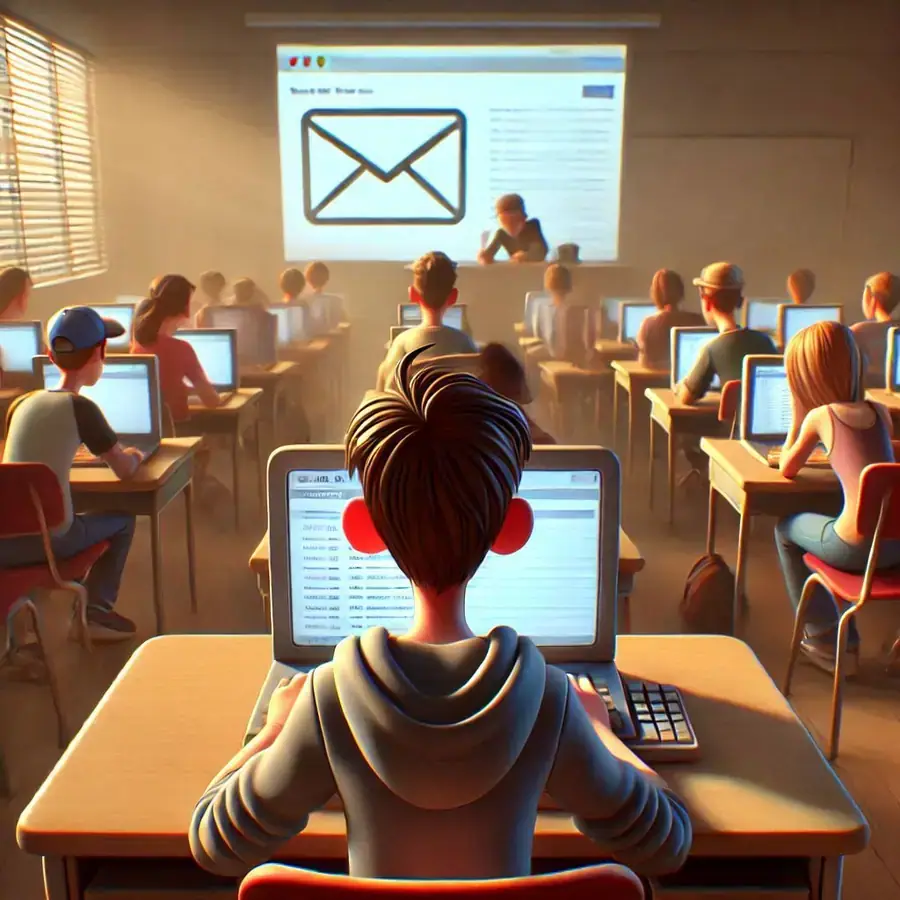
E-mail communication is a fundamental digital skill, enabling students to engage with the modern world professionally and academically. Understanding basic e-mail functions such as composing messages, sending and receiving emails, forwarding, replying, and replying to all are not just practical but essential in preparing learners for effective communication in various settings. Here are practical ways to teach these concepts interactively and effectively in a Grade 10 classroom.
To introduce the topic, start by linking it to the learners’ everyday experiences. Ask questions like, “Have you ever received an email? What did it contain?” or “How do businesses and schools communicate professionally?” These questions connect students to the relevance of e-mailing.
Step-by-Step Ideas for Teaching Basic E-mailing
- Understanding E-mail Addresses:
- Begin with the anatomy of an e-mail address. Write an example on the board:
username@domain.com. - Discuss what each part represents:
username(unique identifier) anddomain(the service provider, e.g., Gmail, Yahoo). - Activity: Ask students to create a mock e-mail address for themselves, writing it down on paper.
- Begin with the anatomy of an e-mail address. Write an example on the board:
- Composing Messages:
- Set up a free email account using Gmail, Yahoo, or Outlook (use a teacher demonstration account if learners don’t have individual accounts).
- Demonstrate composing an email by clicking on “Compose” and filling in:
- To: Recipient’s e-mail address.
- Cc and Bcc: Explain these fields using scenarios. For example, “Cc” when sharing info with a team, and “Bcc” when keeping recipients private.
- Subject: Discuss its importance for clarity.
- Body: Teach proper email etiquette—use polite language, short sentences, and proper grammar.
- Activity: Students draft an e-mail to their teacher, summarising their weekend or a current class project.
- Sending and Receiving Emails:
- Show how to send an email. Demonstrate confirmation messages like “Your message has been sent.”
- Highlight how emails appear in the inbox and how to open one.
- Activity: Have learners pair up and send test emails to one another, including a simple attachment (e.g., an image or a Word document).
- Forwarding Emails:
- Discuss the purpose of forwarding emails, such as sharing information with others.
- Show how to click on “Forward” and type in a new recipient’s e-mail address.
- Activity: Provide learners with a sample email (on printed paper or digitally), and ask them to forward it to their partner, explaining its importance.
- Reply and Reply All:
- Explain the difference between “Reply” (responding to the sender) and “Reply All” (responding to all recipients).
- Use a role-play scenario: Set up a group email (e.g., “Invitation to a school event”), and discuss when “Reply All” would be appropriate (e.g., confirming attendance).
- Activity: Students practice replying to and replying all in small groups, with one student acting as the “sender.”
Creative Classroom Enhancements
- E-mail Writing Competition: Challenge students to write the most professional e-mail on a given topic, such as a request for school supplies or an apology email. Reward clear, concise, and polite communication.
- E-mail Simulation Game: Create a simulation where students receive “emails” from you on topics like school events or fictional problems. They must reply appropriately, attach requested documents, or forward emails correctly.
- Inbox Management: Teach learners how to organise their inbox by creating folders (e.g., “School Work,” “Personal”) and marking emails as important or unread. This is an excellent opportunity to teach digital organisation skills.
- Netiquette Emphasis: Discuss the rules of email etiquette, such as:
- Avoid using all capital letters (shouting).
- Be concise and courteous.
- Avoid overloading emails with large attachments.
Tailoring for Under-Resourced Environments
- If computers are limited, divide learners into small groups to share devices.
- Use printed templates of email interfaces to teach concepts such as “To,” “Cc,” and “Subject” fields before learners use digital tools.
- For schools without internet access, create an offline role-playing activity where students simulate writing, sending, and receiving emails on paper.
Engaging learners with real-world e-mail scenarios ensures they grasp these essential communication skills. Incorporate frequent practice, relatable examples, and discussions about the relevance of email in professional and academic contexts to make this lesson impactful.