Posted on: 12/05/2025
in
This content is located in CAPS under Internet Technologies: Internet and the WWW for Grade 10.
When introducing the concept of IP addresses, it is essential to make this technical topic tangible and relatable for students. IP addresses are the foundation of how devices communicate on the internet, but this can feel abstract without connecting it to their everyday digital experiences.
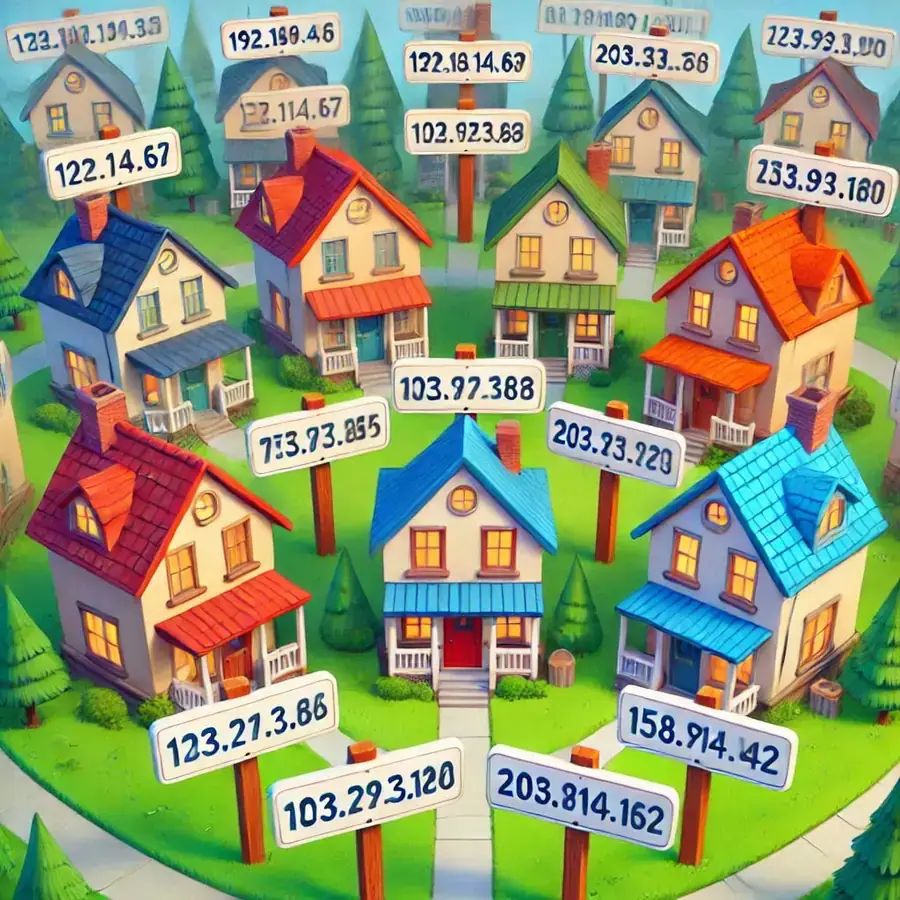
Begin by explaining that an IP address (Internet Protocol address) is like a home address for devices on a network, ensuring that data reaches the right destination. Every device connected to the internet has its own unique IP address.
Making it Practical in the Classroom
1. Relating IP Addresses to Real-World Concepts
- Use the analogy of postal services: Compare an IP address to a home address. Just like a parcel requires an address to reach a specific location, data sent over the internet needs an IP address to find the correct device.
- Create a “network neighbourhood” game where students role-play as devices on a network. Each student gets an “IP address,” and they exchange mock data packets (notes) with one another using their IPs.
2. Real-Time IP Address Exploration
- Guide students to find the IP address of their computer or mobile device. On Windows, they can use the Command Prompt and type
ipconfig, or on a mobile device, check under network settings. - Demonstrate using websites like whatismyip.com to show how public IP addresses appear to the outside world.
3. IPv4 vs IPv6
- Bring in examples of IPv4 addresses (e.g., 192.168.1.1) and IPv6 addresses (e.g., 2001:0db8:85a3:0000:0000:8a2e:0370:7334). Explain that IPv4 is like a limited set of phone numbers, while IPv6 provides an almost unlimited supply due to the growth of internet-connected devices.
- To make IPv6 less intimidating, ask students to decode a simplified version, breaking it into parts and understanding its significance.
4. Network Simulations
- Set up a small classroom network using laptops or Raspberry Pi devices. Assign each device an IP address and have students “ping” one another to test connectivity. This will make the concept of IPs and networking interactive and exciting.
- If resources are limited, use free online tools like Cisco Packet Tracer or network simulators to visualize how devices communicate via IPs.
5. The Importance of IPs in Everyday Applications
- Discuss how devices like smartphones, laptops, and even smart TVs have IP addresses when connected to WiFi.
- Show examples of how IP addresses are used for online gaming, streaming, or video calling. These relatable examples can make the concept more engaging.
6. Problem-Solving with IP Addresses
- Present students with a common scenario: A home WiFi network isn’t working. Ask them to troubleshoot basic issues such as checking IP settings or ensuring devices are on the same network.
- Encourage them to role-play as IT technicians solving connectivity problems.
Creative Homework or Extension Activity
Ask students to write a short story or comic about a “packet of data” trying to reach a specific IP address. They can illustrate or describe the journey, including obstacles like firewalls or wrong IP addresses.
By making the topic of IP addresses interactive, relatable, and tied to real-world experiences, teachers can demystify this critical internet concept for Grade 10 learners.