Posted on: 25/05/2026
in
Using Canva and its AI tools to design presentations, posters, and school projects quickly
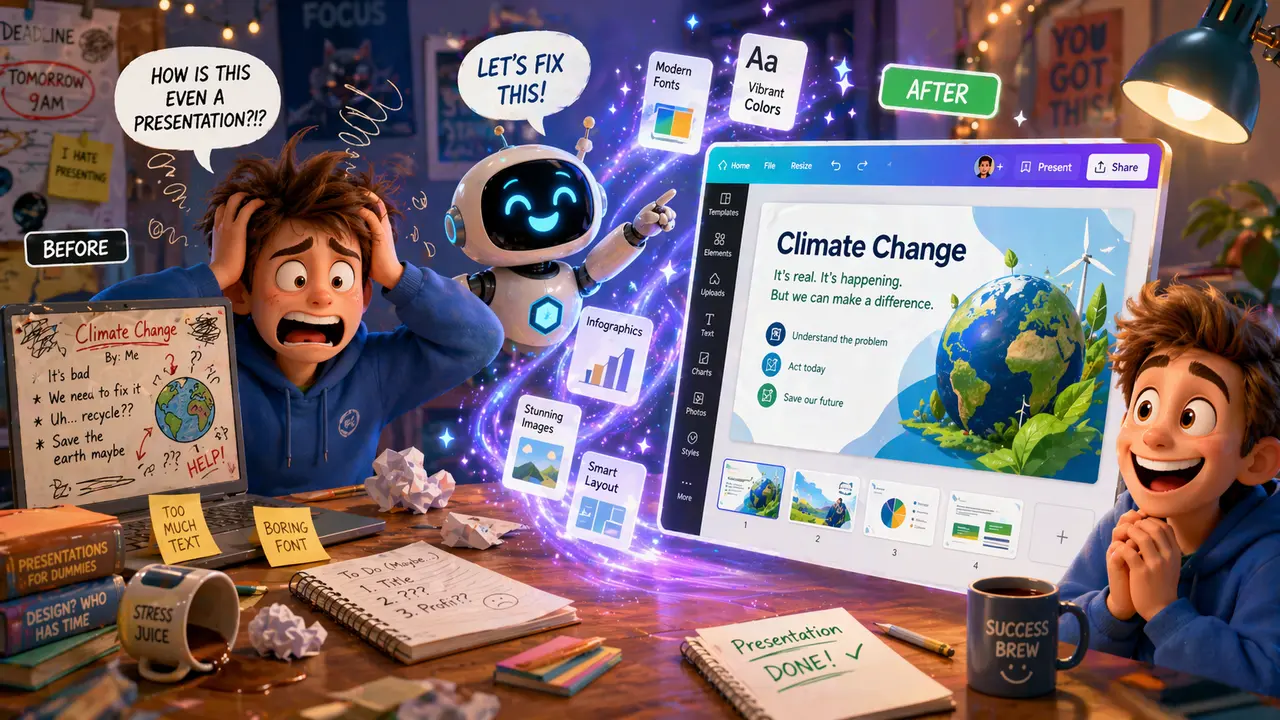
You remember the night before a project is due. Slides half done, layout all over the place, and that one image that just refuses to fit. Then someone says, “Just use Canva.” Suddenly, your messy project starts looking like something a designer made, and the AI tools inside it do half the heavy lifting.
The Important Stuff
Canva gives you ready-made templates, but the real boost comes from its built-in AI features. You can type a short description and get slide designs, generate images, rewrite text, or fix layouts in seconds. Instead of dragging elements around for ages, you guide the tool with a few words and adjust from there. It speeds up the boring parts so you can focus on what your project is actually about.
This matters because presentation quality affects how your work is received. A clear, well-designed poster or slideshow makes your ideas easier to understand. Using Canva’s AI tools does not replace your thinking. It improves how you present it. You still need good content, but now it looks organised, polished, and easy to follow.
Now It’s Your Turn
Here is an example of a prompt you can use right now in an AI chat of your choice. Copy the prompt text below and paste it into an AI chat platform such as ChatGPT, Gemini, Copilot or Claude.
I am a school student creating a presentation about [insert topic]. Help me plan a clear and engaging slide structure. Suggest a title slide, section headings, and what content should go on each slide. Keep it simple and easy to follow. Also suggest ideas for visuals or images I can create using Canva to match each slide.
Make Your Work Look as Good as It Sounds
Good ideas deserve good design. Canva and its AI tools help you turn rough work into something clean and easy to present without spending hours fixing layouts. Use it to support your message, not cover up weak content, and your projects will stand out for the right reasons.