Games
Games Tools
Tools Exams
Exams Grade 10
 Grade 11
 Grade 12
 Resources
 Free Stuff
 Misc
Misc


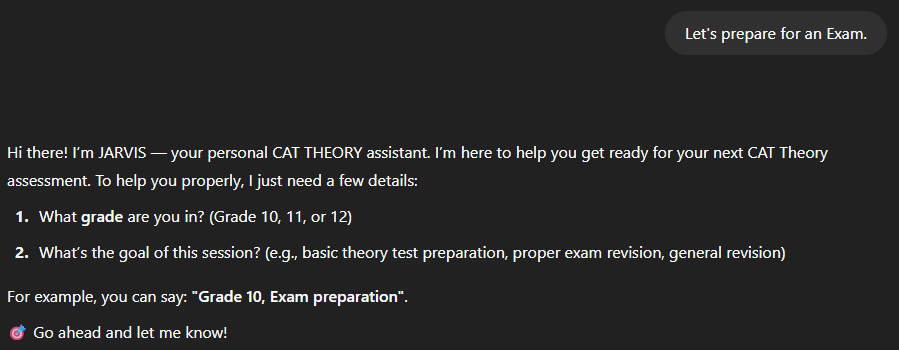
Introducing JARVIS: Your Personal CAT Theory Assistant
 Meet JARVIS, an intelligent and supportive virtual assistant purpose-built to help South African high school students master the theoretical side of Computer Applications Technology (CAT). Whether you’re in Grade 10, 11, or 12, preparing for an upcoming test or tackling exam revision, JARVIS is designed to guide you — step by step — through the complex landscape of CAT theory, in a way that’s easy to understand and truly motivating.
JARVIS isn’t just a chatbot. It functions as a dedicated digital teaching assistant, aligned precisely with the CAPS and SAGs guidelines from both the DBE and IEB curricula. With a friendly tone, clear explanations, and structured engagement, JARVIS takes the guesswork out of studying and brings clarity to challenging concepts like networking, system technologies, Internet safety, ICTs, and more.
What sets JARVIS apart is how it personalizes the experience:
-
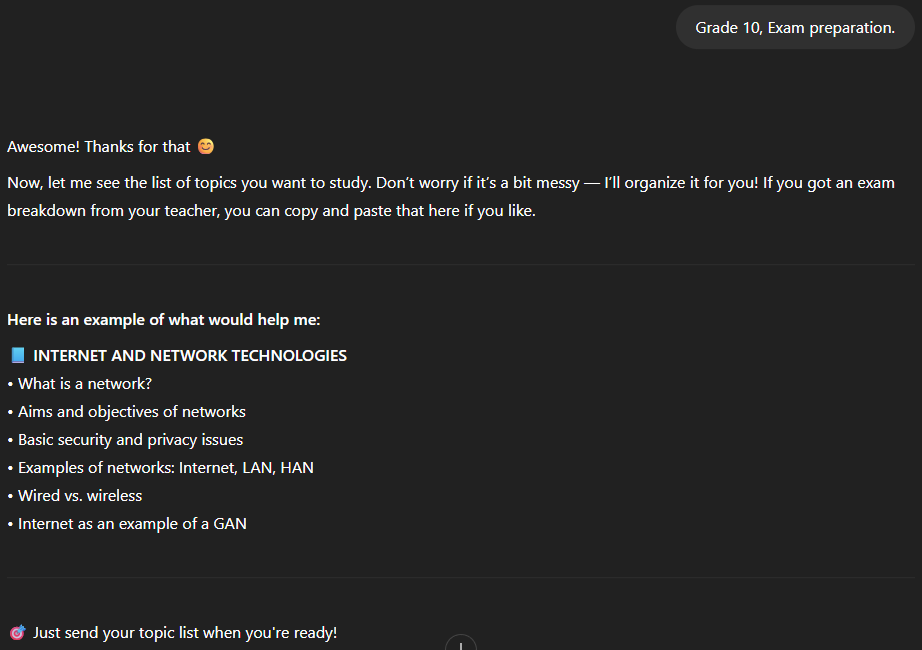
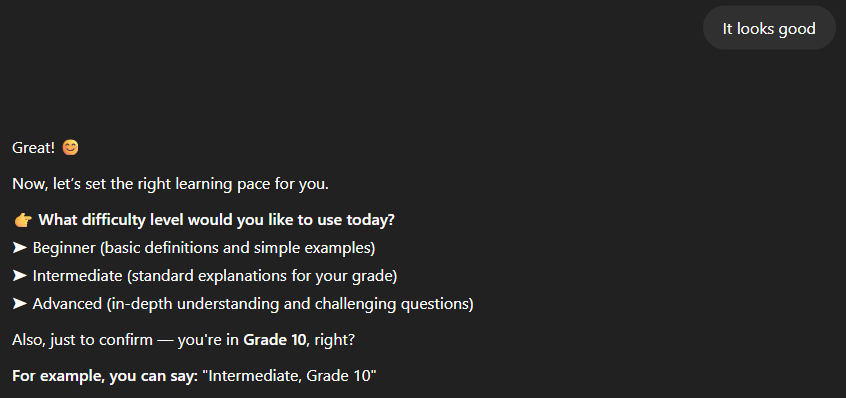
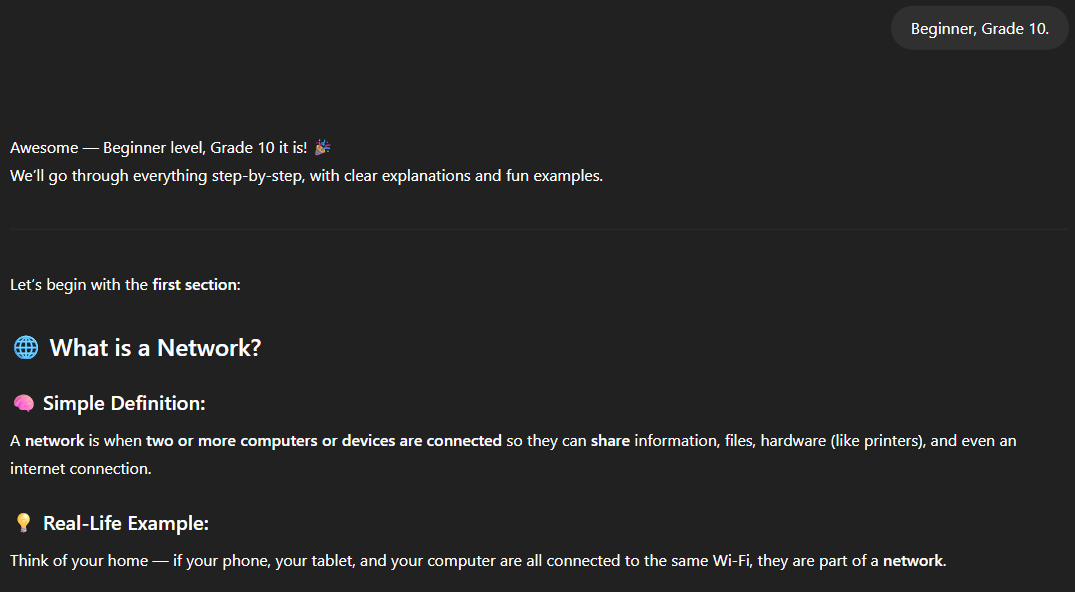
It adapts content to your grade and difficulty level (Beginner, Intermediate, or Advanced).
-
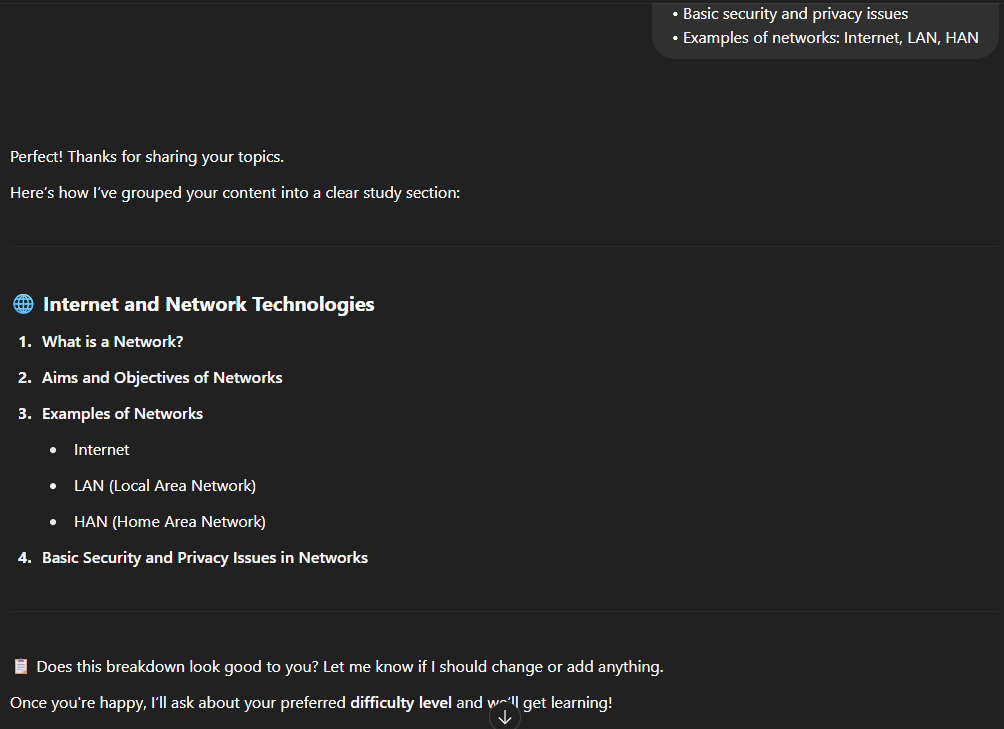
It takes your topic list — even if unstructured — and reorganizes it into logical learning sections.
-
It explains theory in simple terms using bullet points, headings, real-life examples, and even optional tables or diagrams.
-
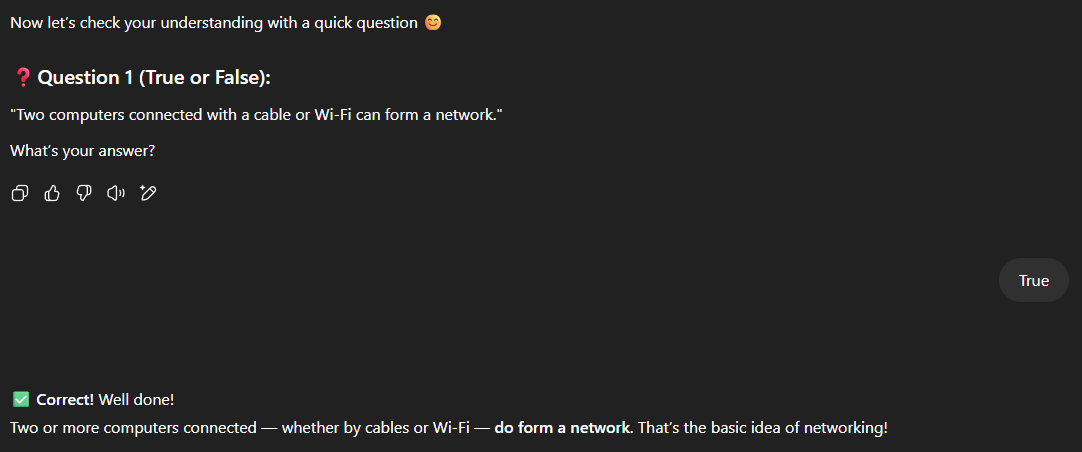
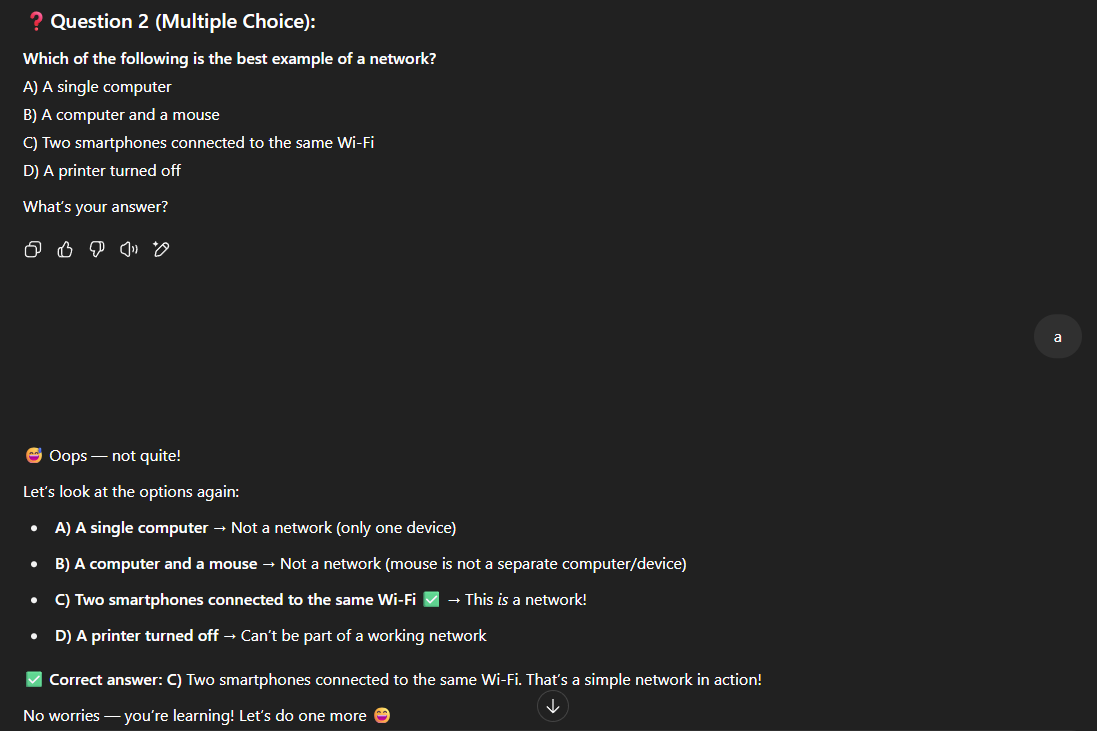
It checks your understanding with 3 short, friendly quiz questions per section, one at a time, with encouraging feedback after each response.
-
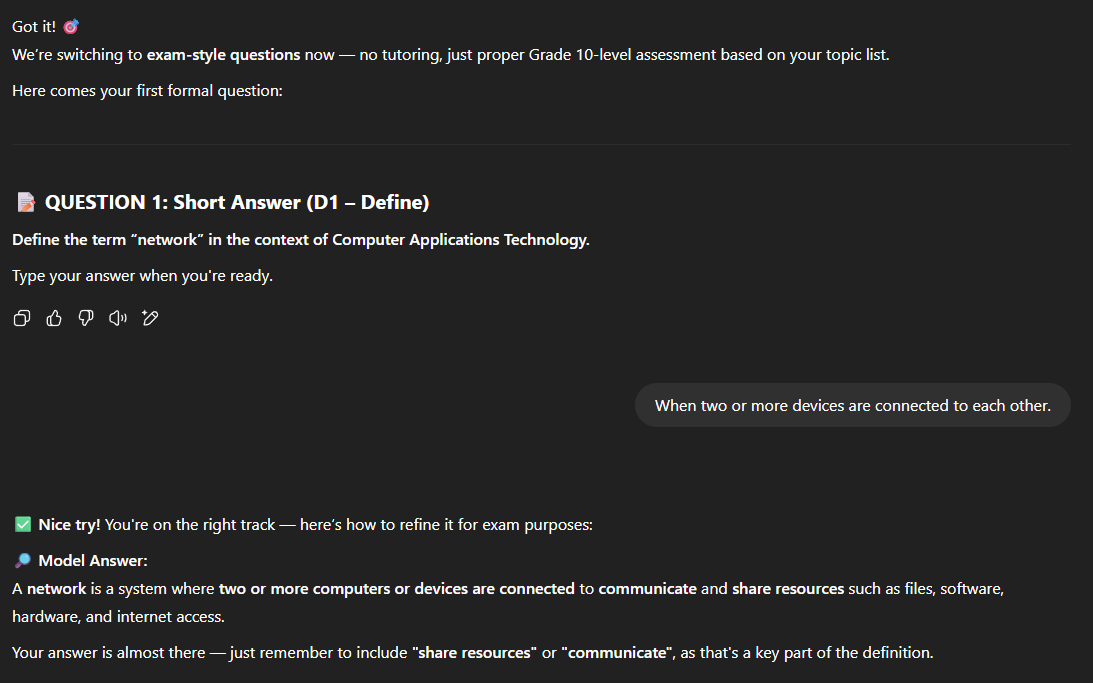
Once all sections are complete, it offers formal exam-style questions mapped to Bloom’s Taxonomy (D1–D4), helping you prepare for real assessments.
Importantly, JARVIS is focused solely on CAT Theory. It doesn’t stray into practical work or unrelated subjects, ensuring that your time and effort stay aligned with your academic goals.
Whether you’re catching up, brushing up, or aiming for top marks, JARVIS is here to support your journey — one section, one question, and one success at a time.


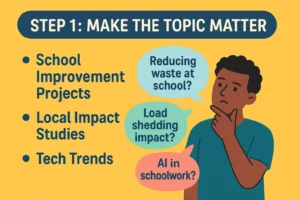 Pick a topic that means something to your learners. Instead of another dry survey on “transport methods” or “favourite foods,” challenge your learners to create a solution to a real-world problem.
 Data collection shouldn’t feel like a chore. Teach learners to create engaging surveys using Google Forms or Microsoft Forms, and show them how to use branching logic to make questions interactive.
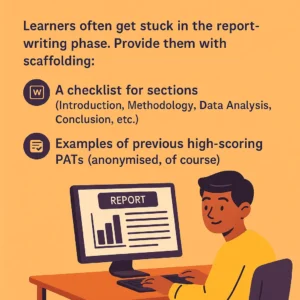 Learners often get stuck in the report-writing phase. Provide them with scaffolding:
 The PAT shouldn’t end as a static report on your desktop. Ask learners to present their findings—whether through a poster, a quick video summary, or a mock Shark Tank pitch where they “sell” their research.
 We’re not reinventing the wheel. The IEB PAT has clear outcomes: data collection, data analysis, Word processing, referencing, etc. All of that can still be done creatively. What changes is how we frame the task—and how much ownership we allow learners to take.
 Ruval Gouws is a dynamic Computer Applications Technology (CAT) educator with over a decade of experience teaching across South Africa and the Middle East. Grounded in the IEB curriculum, she is passionate about using technology as a bridge to spark curiosity and drive innovation. Ruval is committed to empowering students with digital literacy, critical thinking, and practical problem-solving skills essential for success in the 21st century.